BUYING CHECKS
Deco X50 vs eero 6+: which details change a UK buying decision?
Ad — this guide contains affiliate links. We may earn commission from purchases through its labelled links.
Desk research · Published 2026-10-17 · Updated 2026-10-17 · No hands-on product testing

Both are indoor mesh systems worth investigating after repeat tests suggest a coverage problem. The useful distinction is how each fits your existing network, rather than which advert has the larger speed number.
Research comparison, not a tested verdict. We have not measured either system. No live prices, stock checks or whole-market “best” ranking are provided. These two examples do not cover every suitable alternative.

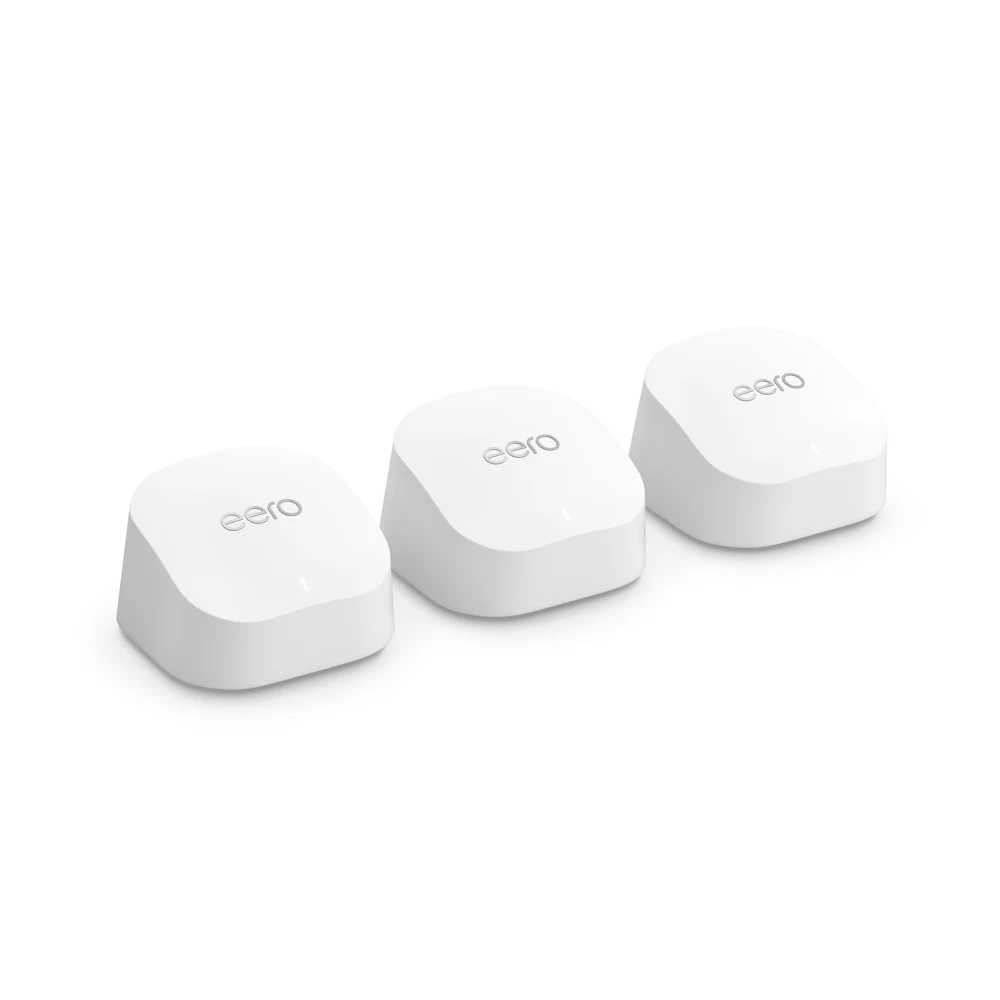
First check whether either is the next purchase
If one fixed computer is the problem and a cable route is practical, try Ethernet before a mesh pack. If the wired connection is also below expectations, start with your provider. Mesh changes how a connection reaches rooms; it does not upgrade the line entering the property. Use the home Wi-Fi check before comparing boxes.
The differences to write on your shortlist
| Question | TP-Link Deco X50 | eero 6+ router |
|---|---|---|
| Ethernet sockets | UK X50 product page lists three Gigabit sockets per unit. | Manufacturer lists two 1 GbE sockets on the router variant. The similarly named Extender has none. |
| Keeping an existing router | Access-point mode is documented. Check which app features change in that mode. | Bridge mode is documented. Its feature exclusions need checking against your requirements. |
| Connecting nodes by cable | Ethernet backhaul is documented; use the mode-specific topology. | Wired links between compatible units are documented; identify router units with ports. |
| Published security-support evidence | A UK V3 firmware release has been checked, but an exact support-end date for your seller's revision has not been established here. | Published table lists eero 6+ through at least 31 October 2031. Confirm UK seller terms; purchase-based extension wording names particular stores. |
| What remains unknown here | Actual performance in your rooms, exact seller revision, the complete installed cost and whether your provider supports the intended arrangement. | |
When the socket count matters
Sketch the cables at each location. An upstream connection consumes a port. If a desk also needs a wired computer and another fixed device, count those before selecting the pack. A small switch may be part of the solution, but it adds cost, power and another item to position. Check the manufacturer's layout before connecting equipment; do not assume all topologies are interchangeable.
The word “Extender” matters in the eero range. A wireless-only unit will not provide the Ethernet sockets you planned to use for backhaul or a desktop. Read the exact line item in the merchant basket, rather than relying on the product-family name.
When keeping the provider hub matters
Before replacing a hub, ask about any broadband phone, television or support arrangement that relies on it. Adding compatible Wi-Fi equipment while retaining the hub can be an option, but access-point or bridge mode changes features. eero's current bridge-mode help lists exclusions including profiles and device blocking. Decide which controls you actually need before paying for a feature that your intended mode will not provide.
Read using mesh with an existing router before changing settings. This comparison does not instruct you to switch modes or remove provider equipment.
When a wireless pack is the wrong layout
A node behind the same thick wall may still have a poor link upstream. First try a workable intermediate position, then repeat the destination test. If a suitable cable route exists, compare wired backhaul or an access point. For a detached garden office, use the separate-building route finder; neither indoor pack is treated here as an outdoor-link design.
Compare the complete purchase
- Confirm how many router units are included, their exact variant and UK power supplies.
- Include any switch, extra leads, installation and paid features you intend to use.
- Check the supported operating mode and which controls remain available.
- Record the manufacturer's security-support evidence for that revision.
- Read the seller's return conditions before an in-home trial; do not assume opened equipment is returnable on any terms.
The whole-cost tool can compare a hardware-only purchase too: enter the same comparison period, use zero for monthly charges and put the equipment total in Hardware cost. Do not treat that illustration as a live offer.
Our practical decision
Investigate X50 if its documented port arrangement and Deco operating modes fit your plan, while resolving the exact support period. Investigate eero 6+ router units if that system fits your existing setup and its mode limitations are acceptable. There is no measured performance winner in this research. If neither has a viable node-to-node route, solve that layout problem first.
Next action: write down your required ports and operating mode, verify the exact pack, then compare current manufacturer evidence in the equipment reference.
Sources and limits
Original explanation and editorial judgement. Manufacturer features vary by model and revision. No prices or range guarantees are verified.
- TP-Link UK — X50 product specifications (page currently identifies V2)
- eero — 6+ router and Extender variants
- TP-Link — existing-router modes
- eero — bridge-mode feature exclusions
- TP-Link — UK V3 firmware (not a support-end promise)
- eero — software-security update policy
- TP-Link — Ethernet topology
- eero — wired topology