PLACEMENT
Where to put mesh Wi-Fi nodes: a room-by-room test
Desk research · Published 2026-10-17 · Updated 2026-10-17 · No hands-on product testing
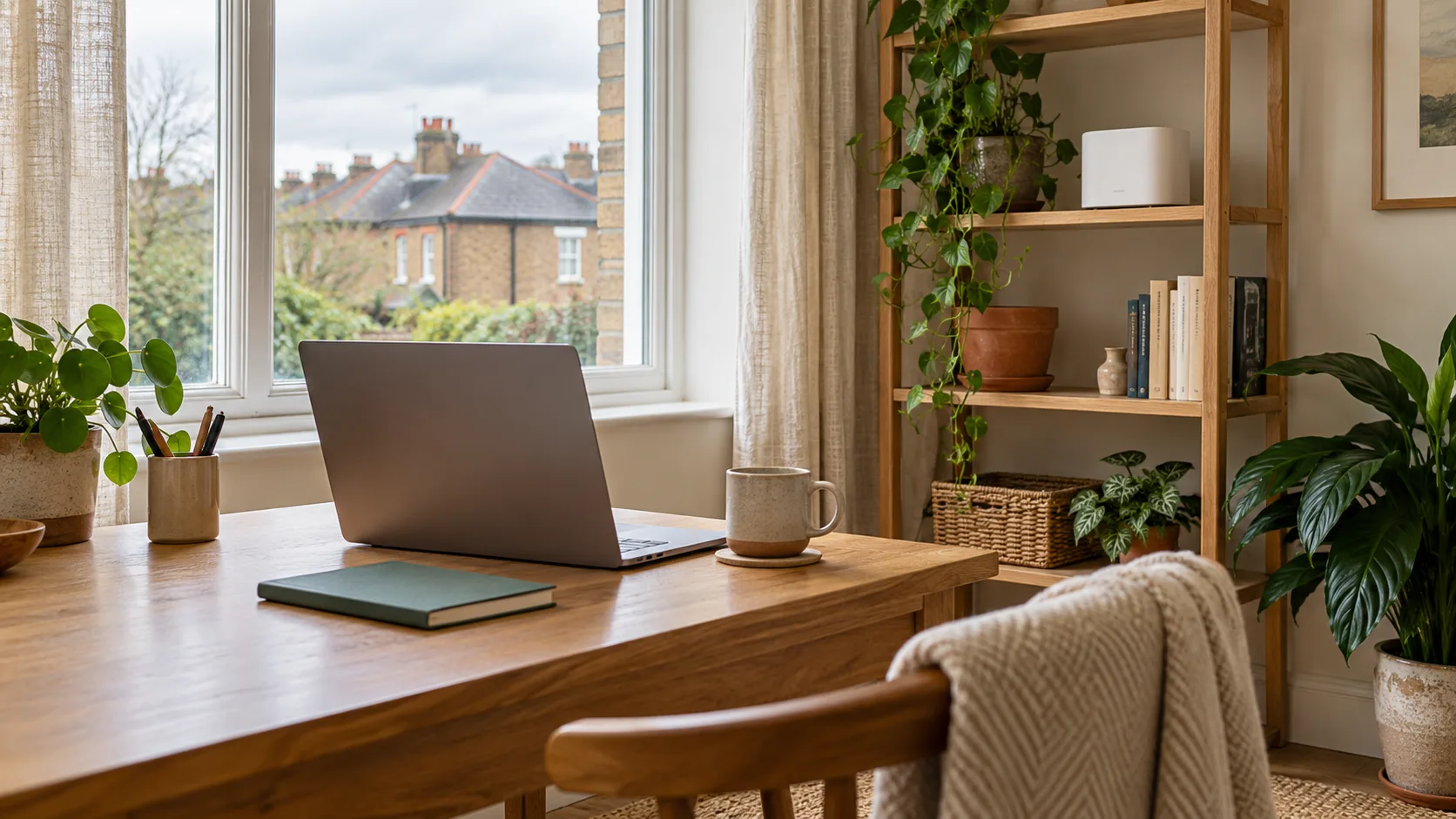
A strong signal from a nearby mesh node does not tell you how well that node connects back to the rest of your network. Test the whole path before buying another box.
Write down the job
Choose one task and one destination: a work call at the spare-room desk, streaming on the living-room TV or browsing in an upstairs bedroom. “Wi-Fi everywhere” is harder to test than a specific activity in a specific place. Start with the home connection check, then keep the same device for each placement experiment.
Find an intermediate position
A node placed at the far end of a weak wireless route still needs a usable upstream connection. Try a position between the main node and the destination, with a suitable socket and an open location. Use the manufacturer’s placement check where available. Avoid treating a cupboard or the space behind a television as the default just because it hides the device.
Compare three observations
| Observation | What to note |
|---|---|
| Near the main router | Same-device baseline and whether the real task works. |
| At the destination, before moving a node | Download result and the interruption you actually notice. |
| At the destination, after one move | Repeat under similar conditions; record the new node position. |
A useful improvement is repeatable, rather than one unusually good speed test. If the connection fails intermittently, repeat at the time it usually happens and record the actual symptom.
When to investigate a wired link
If several wireless positions give inconsistent results and a suitable Ethernet route exists, compare wired backhaul or a wired access point. TP-Link and ASUS both document wired backhaul, but the topology and settings depend on the system. Verify support for the exact model and operating mode. A manufacturer’s diagram is more useful than assuming every Ethernet socket can be connected in any arrangement.
When another node is the wrong experiment
If the wired broadband connection is also poor, work with the provider first. If only one device struggles in a spot where other devices work, investigate that device. A detached garden office needs a separate route assessment; this indoor placement exercise is not an outdoor installation plan.
Next action: record one baseline, make one placement change and retest the task you care about. Use the Wi-Fi check and test-log guide to keep the evidence together.
Sources and limits
Original explanation and editorial judgement. Manufacturer features vary by model and revision. No prices or range guarantees are verified.