MESH BUYING GUIDE
Is eero 6+ right for your home?
Commercial buying guide. We earn commission from qualifying purchases through the links marked “Paid link”.
Desk research · Published 2026-10-17 · Updated 2026-10-17 · No hands-on product testing

Shortlist eero 6+ when you want an app-managed indoor mesh system and are comfortable with its account and feature requirements. Start with the layout: buying three units does not make every three-storey house well connected.
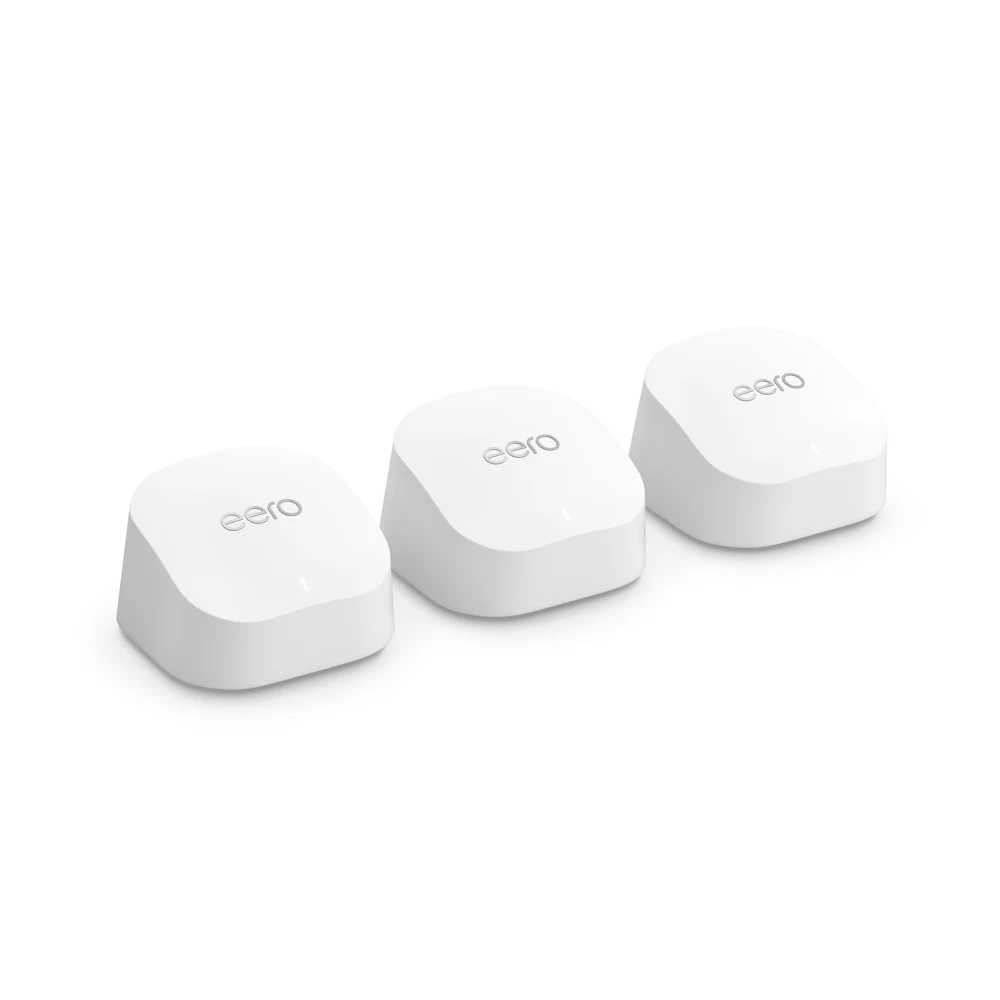
When we would shortlist it
- Your broadband works reliably near the main router, but coverage falls away in other rooms.
- You can put each unit where it receives a useful connection, or use Ethernet between units.
- You are happy to manage the system through the eero app and check any account requirements before buying.
When we would choose a different approach
If every device loses internet, deal with the broadband service before shopping for mesh. For a detached garden office, plan the link between buildings first. A unit placed inside a poorly connected office cannot repair the connection back to the house.
If you need several wired devices at each node, compare the port budget with Deco X50 · Paid-link guide. If you require particular parental controls or advanced settings, confirm those features and any ongoing subscription before selecting the hardware.
Count connections before buying a pack
eero 6+ has two Gigabit Ethernet ports per unit. One connection at the gateway is used to reach the upstream service or router. A cable to another node uses a port too; draw your intended connections before deciding whether you also need a switch.
Distinguish eero 6+ from eero 6 and from an eero extender. Similar names do not establish identical ports or capabilities. Check the product name, unit count, UK power supplies, seller and condition in the basket.
Two units or three?
Map useful positions first: the gateway near the incoming service, then a node on a route towards the weak area. A third unit should serve a distinct area with a viable connection back to the network. More units are not automatically a better purchase.
Before deciding, read where to put mesh nodes. Coverage figures cannot predict performance through your walls, and an advertised gigabit capability is not a room-speed promise.
Keeping the provider router
Check provider phone and TV requirements before changing anything. eero can operate in bridge mode, but some features are unavailable in that mode. Read the current exclusion list and decide which device will handle routing. Our provider-router guide sets out the questions to ask.
Support and complete cost
At our 17 October 2026 check, eero lists security updates for 6+ at least through 31 October 2031. This is a support commitment, not a warranty or lifetime prediction. Its purchase-based extension wording names eero.com and Amazon.com; confirm the terms for your UK seller.
Compare the pack, any extra switch or cables, and optional subscriptions you actually want. We do not display live prices or claim current stock.
Before you order
- Confirm the exact 6+ model, UK pack and seller.
- Check the planned node positions and wired-port budget.
- Verify provider services, operating mode and required features.
- Read current support, subscription and return terms.
- Keep a baseline in the Wi-Fi test log so you can judge whether the change helps.
Compare eero 6+ with Deco X50 → · Paid-link guide
Sources and limits
Original explanation and editorial judgement. Manufacturer features vary by model and revision. No prices or range guarantees are verified.